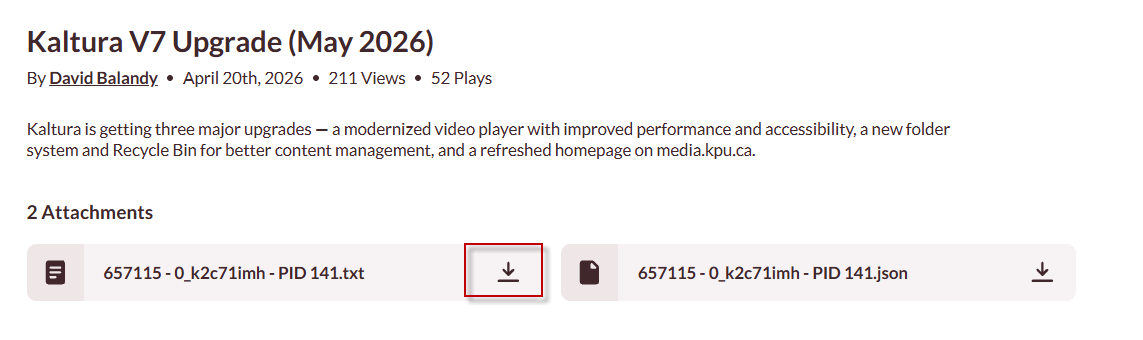
Kaltura videos by default will have captions enabled. This article will show you how to download your captions
1. Go to Media.kpu.ca
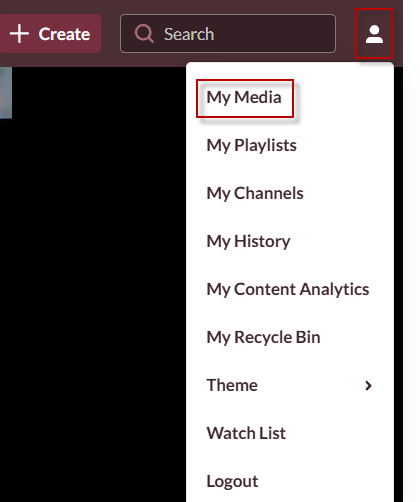
2. From the top right corner, click your profile and click My media.
3. Click the video where you would like to grab captions from
4. From the bottom of the video click on the text file to download.