Why do I need to do this?
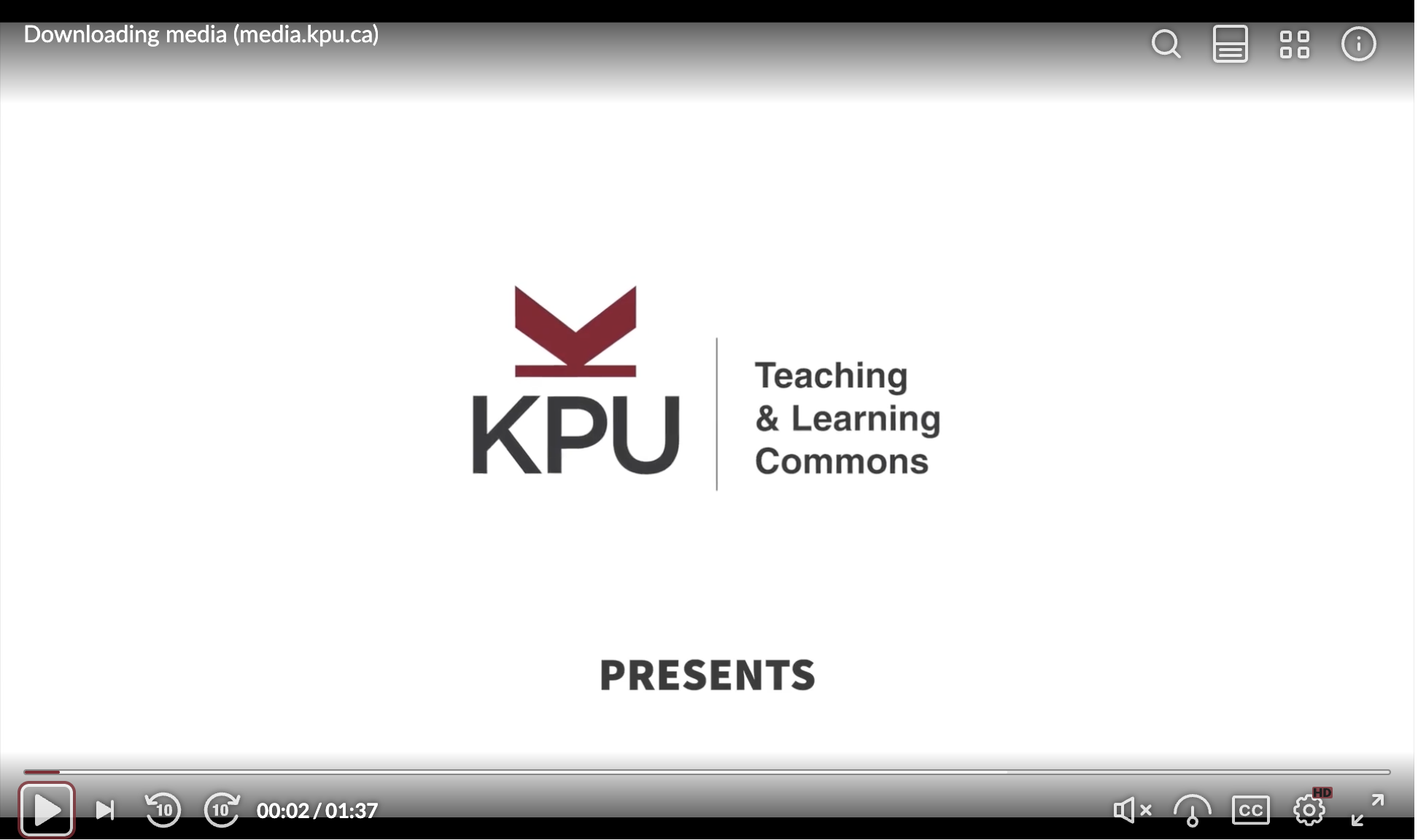
The existing Kaltura (v2) player is being replaced by the new (v7) player for better compatibility across devices, improved controls, and enhanced accessibility support. The (v2) player is being phased out and will no longer be supported as a result.
How do I know I am affected?
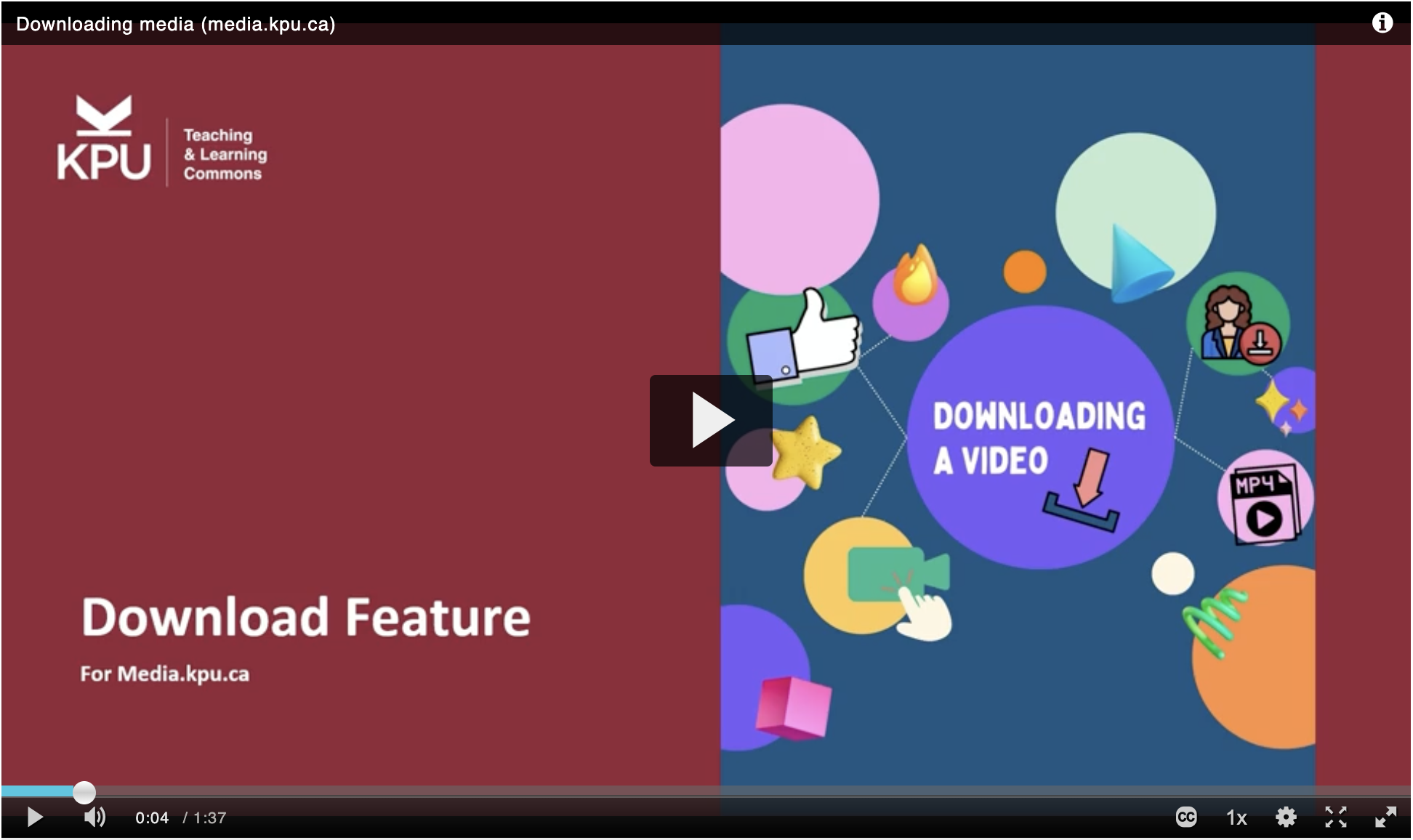
For videos in Moodle and those embedded in other places (i.e. WordPress, PebblePad), they should update automatically. However, there is a chance that your embed code is out-dated and will not redirect automatically to the new player. You will know you are affected if:
- Your video player looks like this:
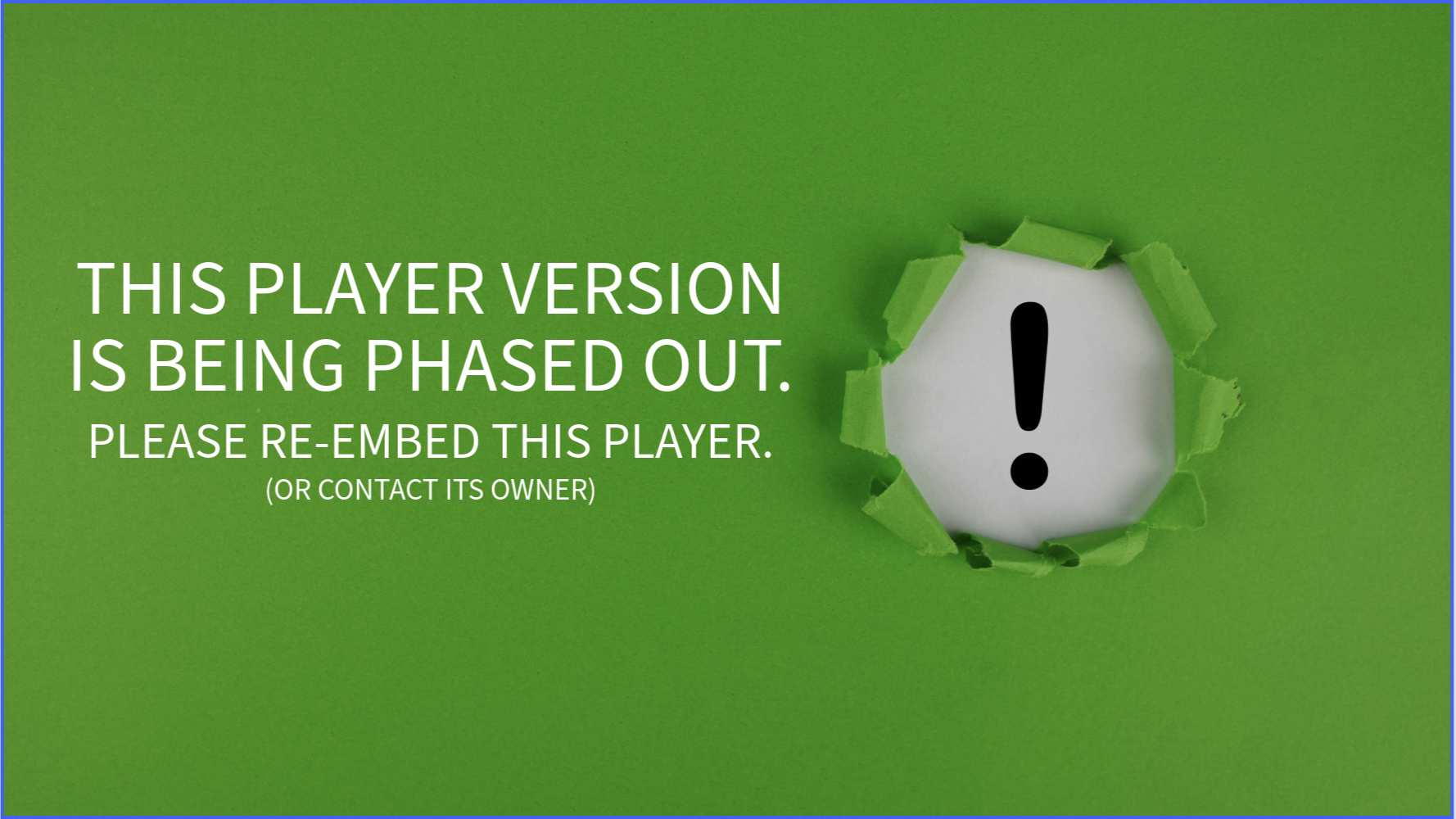
- Your video loads but begins with this message:
How to re-embed my video?
- Login to media.kpu.ca
- Go to video you want to re-embed.
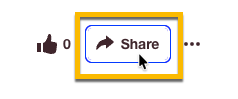
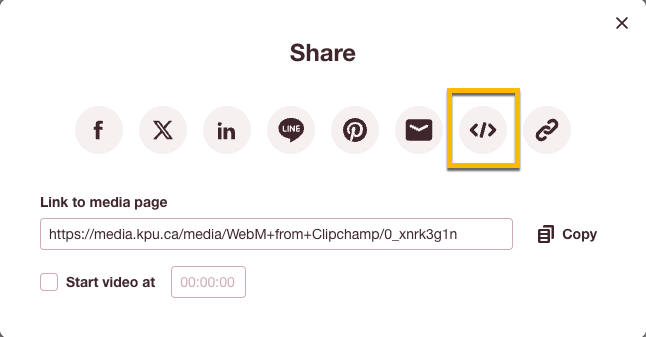
- Click on Share
- Click on the Embed icon.
- Copy the Embed Code.
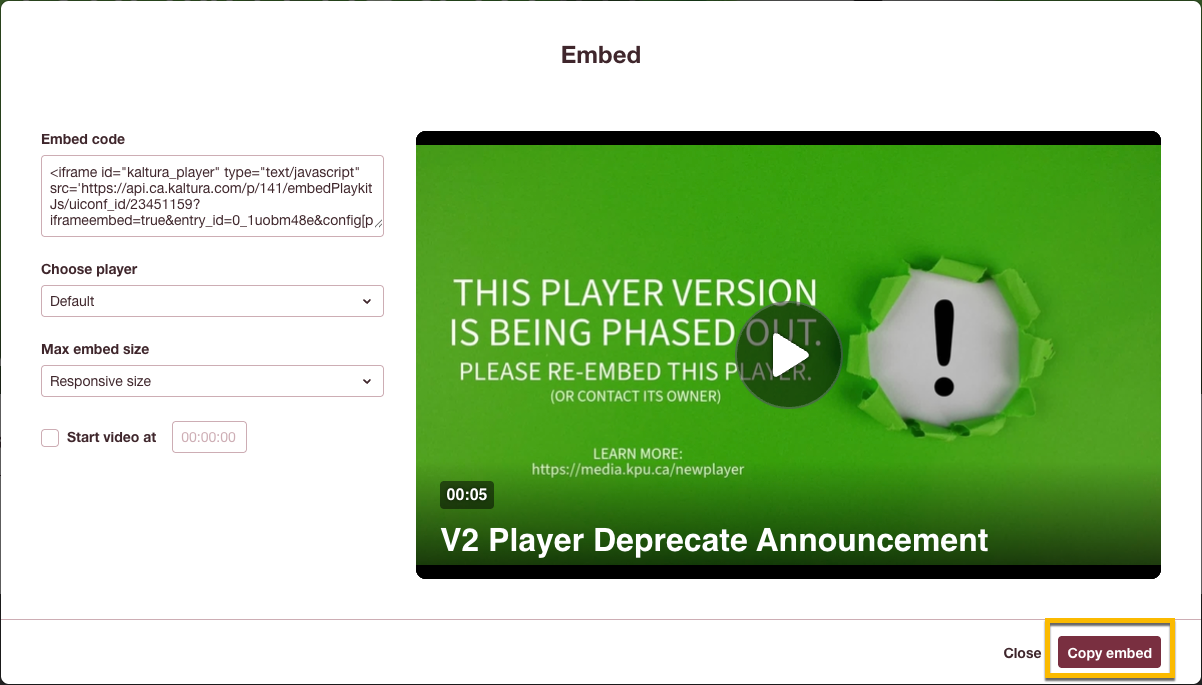
- Paste the code back into your HTML editor. Save.
- Your video should now be using the new (v7) Kaltura player. It should look something like this: