
Accessing Library resources just got easier. Instructors can now add the LibGuides to their courses in Moodle. This article will show you how to do that.
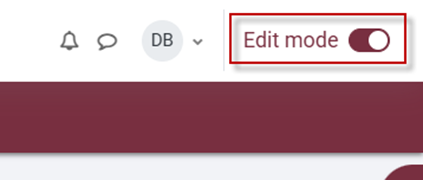
1. From your Moodle course, turn Edit mode on.
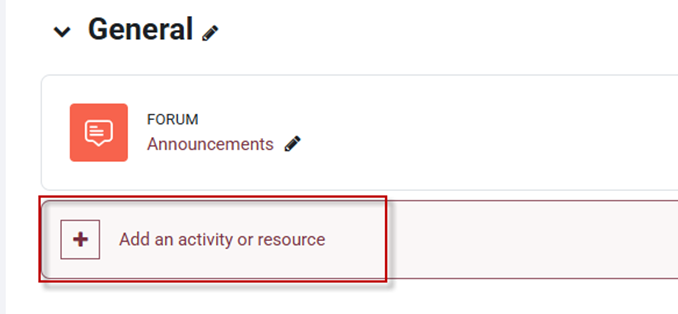
2. Scroll to the bottom of the section you would like to add the resource to and click Add an activity or resource.
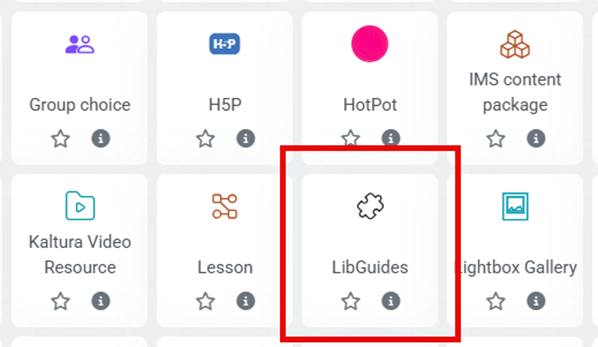
3. Click on Libguides icon.
4.Provide a name and select Save and Display.
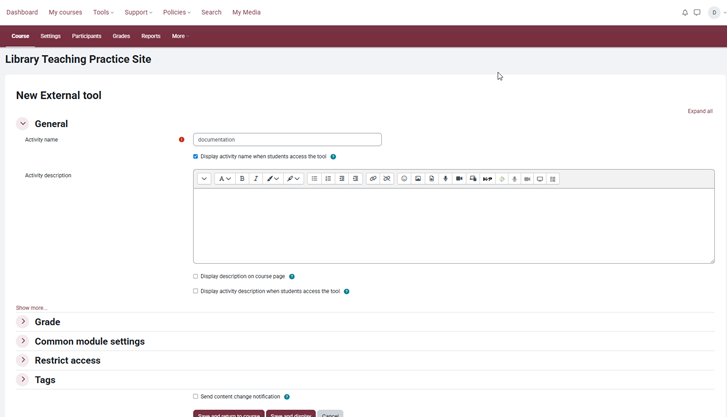
5. Scroll down to Save and Display.


This work by Kwantlen Polytechnic University (KPU) is licensed under a Creative Commons Attribution-NonCommercial 4.0 International License.