
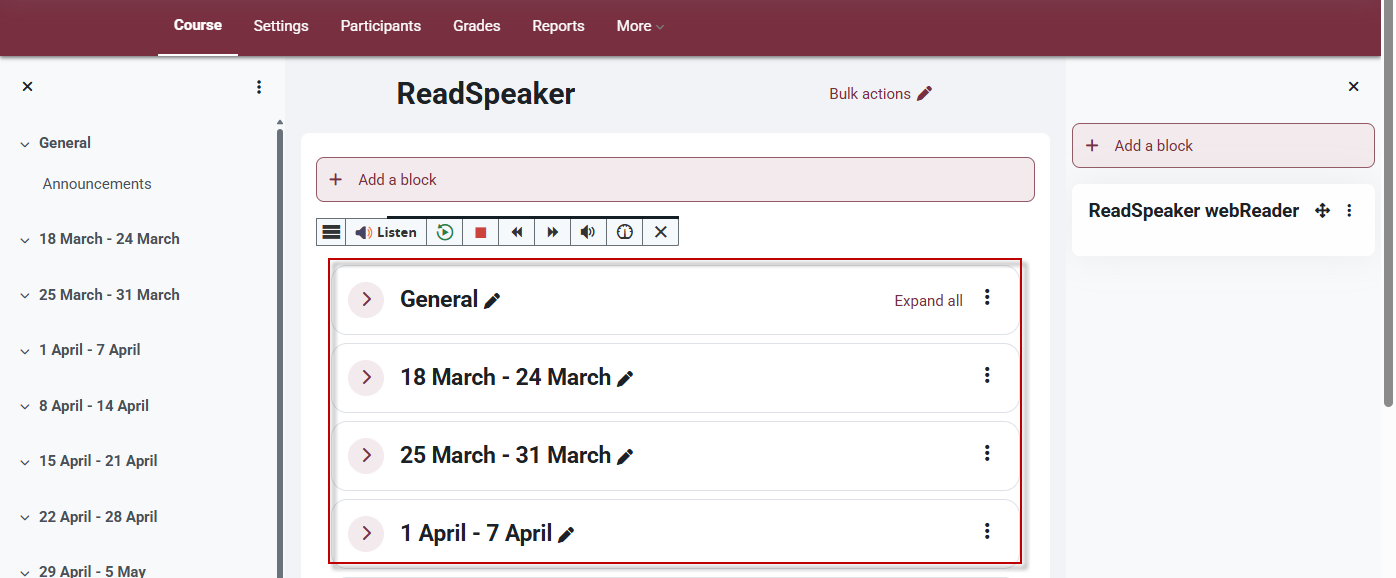
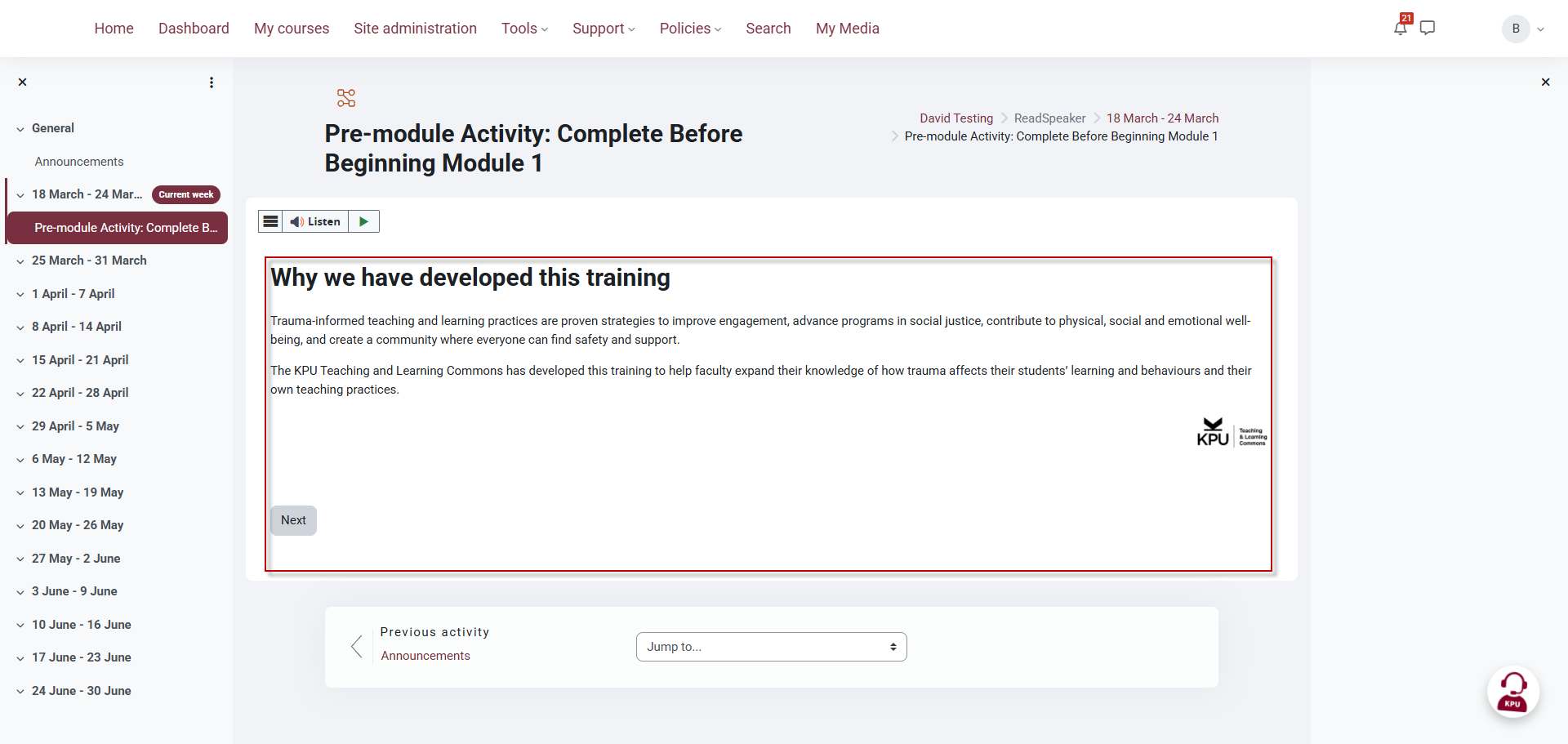
This article shows you where ReadSpeaker works within Moodle. Areas outlined with a red rectangle border indicate where ReadSpeaker is able to read content aloud to users.
Main Course Page
ReadSpeaker will read content in the center section of your course. It will not read content in the left and right navigation as seen in the image below.
Content Pages
Text content in activities such as Lessons, Quizzes and pages.
Where it does not work
ReadSpeaker will not work on embedded content or content that is not in the content area of the course which is the center area highlighted in the images above. This includes, Blocks, Course Index, H5P Content, SCORM, Embedded content (like Padlet and Kaltura).

This work by Kwantlen Polytechnic University (KPU) is licensed under a Creative Commons Attribution-NonCommercial 4.0 International License.