
Once you have scheduled your meeting, you can invite your students to the meeting.
The simplest way to invite students to your Zoom session is through the Zoom Integration in Moodle. Click here to learn how students can join a session through Moodle. Outside of using the Moodle integration here is how you can invite your students to a zoom session.
From the Zoom Web Portal
1. Login to https://kpu-ca.zoom.us/
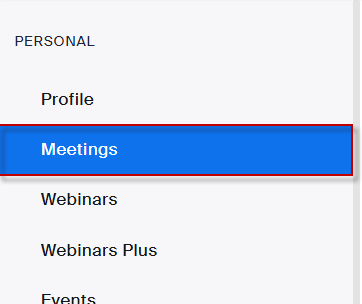
2. Click Meetings on the left hand side of the browser.
3. Click on the desired meeting
4. Click Copy link beside the invite link

From the Zoom Desktop App
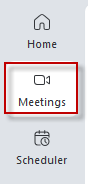
1. Click Meetings button from the navigation menu.
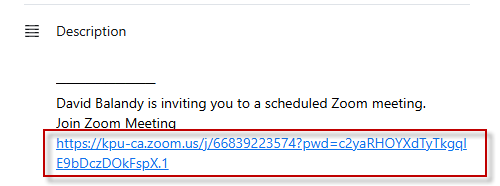
2. Click on the meeting and copy the link from the description at the bottom.
Add link to Moodle
1. From your Moodle course, turn Edit mode On from the top right corner of your course.
2. From any section click the + icon and click Activity or resource

3. Click URL.
4. Paste the link into the External URL box.
5. Put your text in the Name box.


This work by Kwantlen Polytechnic University (KPU) is licensed under a Creative Commons Attribution-NonCommercial 4.0 International License.